
10 Detailed Ways to Use OpenClaw (Formerly Moltbot/Clawdbot) for Crypto Traders and Enthusiasts
 Ricky
Ricky
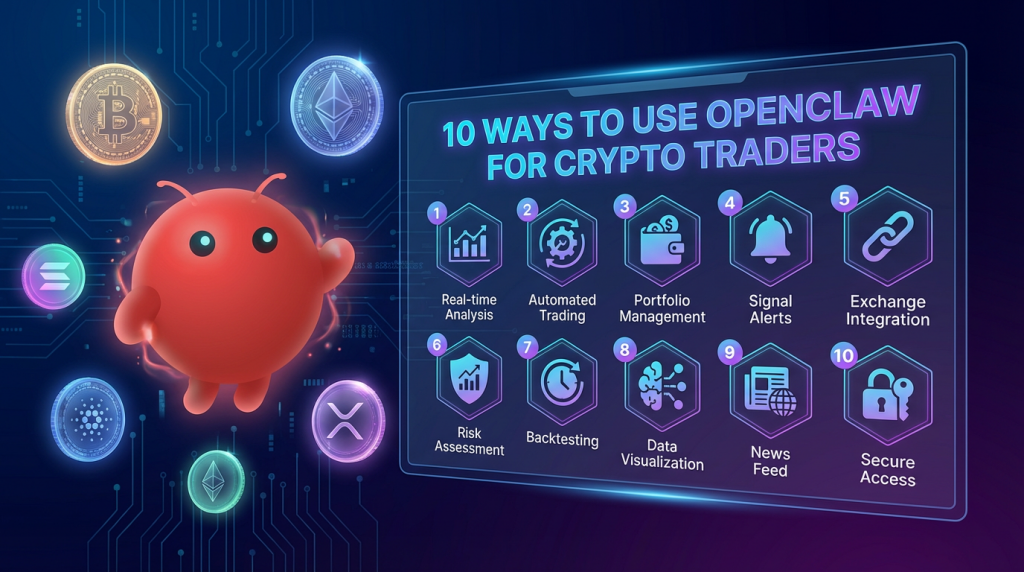
OpenClaw, the open-source AI agent that evolved from Clawdbot and Moltbot amid trademark drama and crypto scams, is a powerhouse for automation. Running locally on your machine (Mac, Windows, Linux) with integrations into messaging apps like WhatsApp, Telegram, or Discord, it uses natural language commands to execute tasks, run scripts, access APIs, and maintain persistent memory for context-aware operations. In the crypto space, it’s not a plug-and-play trading bot like 3Commas but a customizable “personal quant assistant” that connects to wallets, blockchains, and data feeds via skills (markdown-based plugins) and APIs like CoinGecko or DeFiLlama. With over 100,000 GitHub stars, it’s praised for privacy (no cloud dependency) but criticized for security risks like prompt injections or exposed APIs. Founder Peter Steinberger emphasizes: no official token—beware fakes like $CLAWD or $OPENCLAW that rug-pulled millions. And we wrote a blog about it yesterday: Moltbot(Clawdbot): The AI Agent Revolutionizing Crypto Trading and Automation
So, this expert guide dives deep into 10 practical, real-world applications for crypto traders and lovers, drawing from community playbooks, GitHub skills, and user examples. Each includes setup tips, sample commands, pros/cons, and security notes. Always run in a sandbox (e.g., Docker), use API keys sparingly, and test on testnets. Not financial advice—DYOR and manage risks.
1. Real-Time Market Monitoring and Custom Alerts
OpenClaw can poll APIs for price, volume, or on-chain data, sending proactive alerts via your messaging app. Its persistent memory tracks trends over sessions, unlike basic bots.
How to Set Up: Install OpenClaw via CLI (openclaw install), add skills like CoinGecko integration from GitHub’s awesome-openclaw-skills repo. For a deep dive into every finance-related skill, see our complete guide to OpenClaw investing and trading skills. Connect your wallet (e.g., via Web3.py in a custom skill).
Sample Commands: “Monitor SOL price on Solana and alert if it drops 5% in 1 hour or whale dumps >1M tokens.” Or “Track ETH gas fees and notify when below 20 gwei for cheap DeFi swaps.”
Real Example: Users set it for crypto wallet monitoring, alerting on significant price movements or suspicious transactions. One playbook scans for high-APY yield farms across Aave and Compound, notifying via Telegram.
Pros: Hands-off vigilance; integrates with calendars for timed checks. Cons: API rate limits; over-alerting if not tuned. Security Tip: Use read-only API keys; enable sandbox mode to block network calls. Expert Insight: Combine with cron jobs for 24/7 operation on a VPS like Hetzner.
2. Automated Trading on DEXs and CEXs
Leverage OpenClaw to execute trades based on rules, connecting to DEXs like Uniswap or CEX APIs (e.g., Binance via CCXT library).
How to Set Up: Add a trading skill (e.g., custom Python script in skills folder or claude skills), grant wallet access via private keys (use hardware wallets for safety).
Sample Commands: “Buy 0.5 ETH on Uniswap if BTC > $100K and slippage <2%.” Or “Sell half my SOL position if RSI >70 on 1H chart.”
Real Example: Community workflows build custom DeFi trackers for automated swaps or limit orders. One user scripted arbitrage between Solana DEXs like Raydium, executing sub-second trades.
Pros: Custom strategies (e.g., DCA or grid trading); low latency on local hardware. Cons: Gas fees eat profits; flash crashes can trigger errors. Security Tip: Never store keys in plain text—use environment variables; block destructive commands like full wallet drains. Expert Insight: Backtest with historical data via Pandas in a skill to optimize parameters before live trading.
3. Arbitrage Detection and Execution
OpenClaw scans price discrepancies across exchanges or protocols, executing trades to capture spreads.
How to Set Up: Integrate multiple APIs (CoinGecko for prices, Web3 for on-chain); use a skill like Pumpmolt for Solana pumps.
Sample Commands: “Scan for BTC arb between Binance and Polymarket; execute if spread >1%.” Or “Buy low on Raydium, sell high on Jupiter if profitable after gas.”
Real Example: Bots exploit 30-second lags on Polymarket vs. Binance, loading YES/NO at low cents for 785% returns in 15-min windows. One script turned -$500 to $106K with 95% win rate.
Pros: Passive income from inefficiencies; multi-chain support. Cons: MEV competition; regulatory risks in some jurisdictions. Security Tip: Use VPN for IP anonymity; limit position sizes to 1-2% of portfolio. Expert Insight: Incorporate flash loan skills for capital-efficient arbs in DeFi.
4. Social Media Sentiment Analysis and Alpha Scraping
Analyze X, Reddit, or Telegram for token sentiment, scraping alpha from groups.
How to Set Up: Add scraping skills (e.g., via BeautifulSoup or API wrappers); set ethical limits.
Sample Commands: “Analyze sentiment on $ETH from last 24h X posts; buy if bullish >70%.” Or “Scrape Telegram alpha groups for new Solana launches.”
Real Example: Workflows include Telegram/Discord alpha scrapers to detect early meme coins or hype. One agent parsed on-chain wallets for Polymarket strategies, uncovering profitable bots.
Pros: Edge over manual monitoring; integrates with trading for auto-execution. Cons: Platform bans for scraping; noisy data. Security Tip: Avoid logging sensitive chats; use proxies. Expert Insight: Fine-tune with NLP libraries like NLTK for accurate sentiment scoring.
5. Portfolio Management and Rebalancing
Track and auto-rebalance across wallets and chains, calculating allocations dynamically.
How to Set Up: Connect via Etherscan or Solana RPC; use Pandas for analysis.
Sample Commands: “Rebalance to 40% BTC, 30% ETH, 30% stables if drift >5%.” Or “Generate weekly portfolio report with Sharpe ratio.”
Real Example: Custom trading journals log trades, profits, and risks for tax/optimization.
Pros: Automated diversification; performance metrics. Cons: Tax implications from frequent swaps. Security Tip: Read-only wallet access. Expert Insight: Integrate with DePIN for decentralized compute to run complex sims.
6. Yield Farming and Liquidity Provision Automation
Optimize DeFi yields by auto-depositing, claiming, and compounding.
How to Set Up: Skills for Aave, Uniswap; monitor via DeFiLlama API.
Sample Commands: “Farm highest APY USDC pool on Base; compound daily.” Or “Migrate LP from low-yield to high if APR >20%.”
Real Example: Bots handle multi-chain farming, saving time on manual claims.
Pros: Maximized returns; impermanent loss checks. Cons: Smart contract risks. Security Tip: Audit protocols first. Expert Insight: Add rug-pull detectors scanning contract code.
7. Prediction Market Bots for Event-Driven Trading
Specialize in platforms like Polymarket, estimating probabilities from news/data.
How to Set Up: Polymarket API skill; feed news via Perplexity integration.
Sample Commands: “Analyze US election odds; bet YES if probability >60%.” Or “Trade 15-min BTC Up/Down based on Binance lag.”
Real Example: Bots achieve 95% win rates on short-term options by exploiting spreads.
Pros: High ROI on events; thesis-building AI. Cons: Oracle dependencies. Security Tip: Human-in-loop for large bets. Expert Insight: Backtest with historical resolutions.
8. On-Chain Research and Token Analysis
Pull transaction data, verify contracts, and assess legitimacy.
How to Set Up: Use Dune Analytics or Etherscan skills.
Sample Commands: “Scan $MOLT contract for rugs; check dev wallet.” Or “Analyze whale activity on $SOL.”
Real Example: An agent verified $MOLT at $700K MCAP, spotting legit signals before a 50x run.
Pros: Due diligence automation; early alpha. Cons: Data overload. Security Tip: Avoid executing unverified code. Expert Insight: Combine with AI models like Grok for deeper insights.
9. Wallet Management and Multi-Chain Transactions
Handle batches, airdrops, or cross-chain bridges securely.
How to Set Up: Web3 integration; Pumpmolt for token launches.
Sample Commands: “Bridge 1 ETH from Mainnet to Base if fees low.” Or “Farm airdrops on 5 testnets.”
Real Example: Auto-setup wallets for farming; monitor for hacks.
Pros: Efficiency in multi-wallet ops. Cons: Bridge exploits. Security Tip: Use multisig. Expert Insight: Integrate with hardware for cold storage.
10. Risk Management and Custom Strategy Optimization
Implement stops, volatility filters, and AI-optimized plays.
How to Set Up: Custom Python skills with libraries like TA-Lib.
Sample Commands: “Pause all trades if BTC volatility >5%.” Or “Optimize strategy for 15-min Polymarket with backtest.”
Real Example: Bots include stop-losses in high-frequency setups, turning losses into breakevens.
Pros: Reduced drawdowns; adaptive AI. Cons: Over-optimization bias. Security Tip: Audit skills code. Expert Insight: Use persistent memory for evolving strategies based on past performance.
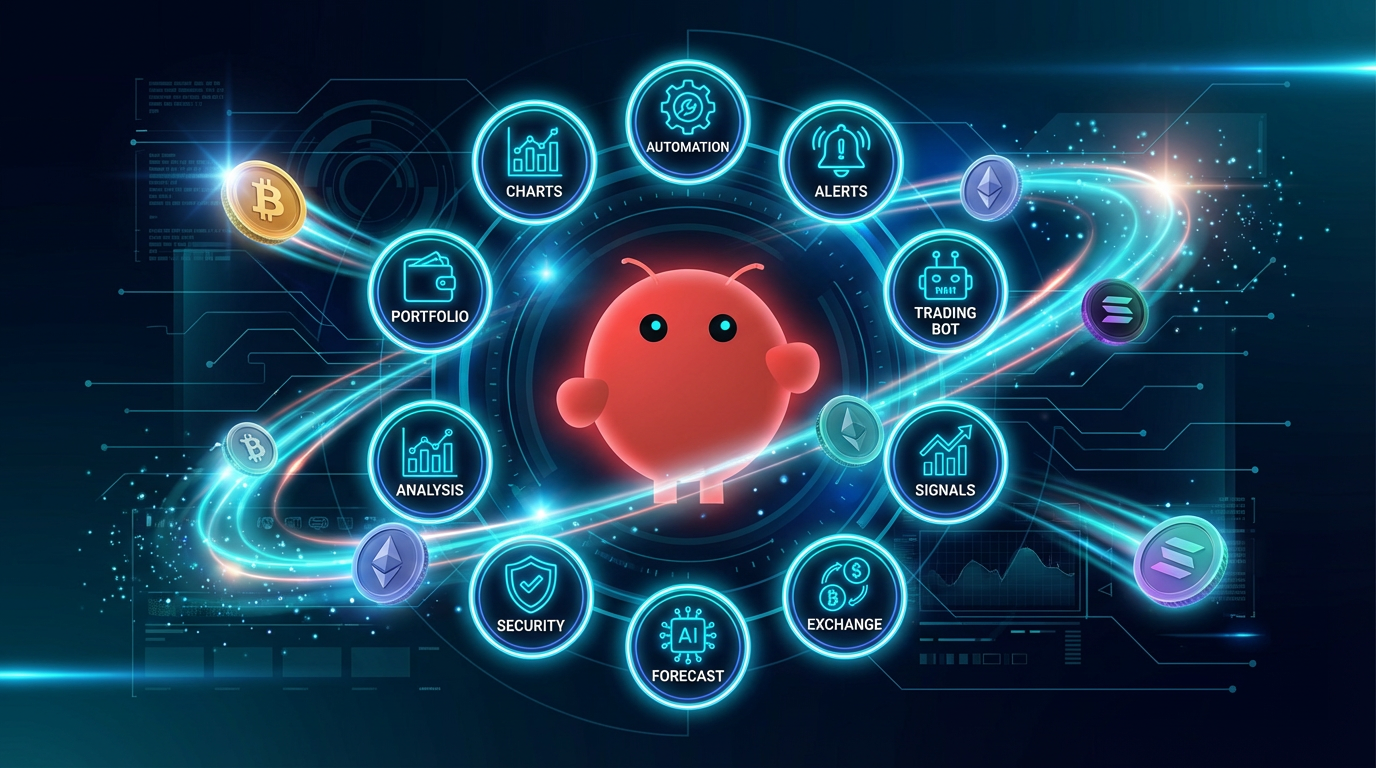
In summary, OpenClaw transforms crypto workflows with its flexibility, but demands vigilance against scams and vulns. Start with simple alerts, scale to trading, and join communities like GitHub for shared skills. For setup, check official docs—happy automating!

