
OpenClaw AI Trading Skills: The Complete 2026 Guide (Setup, Risks, and Real Numbers)
 Ricky
Ricky
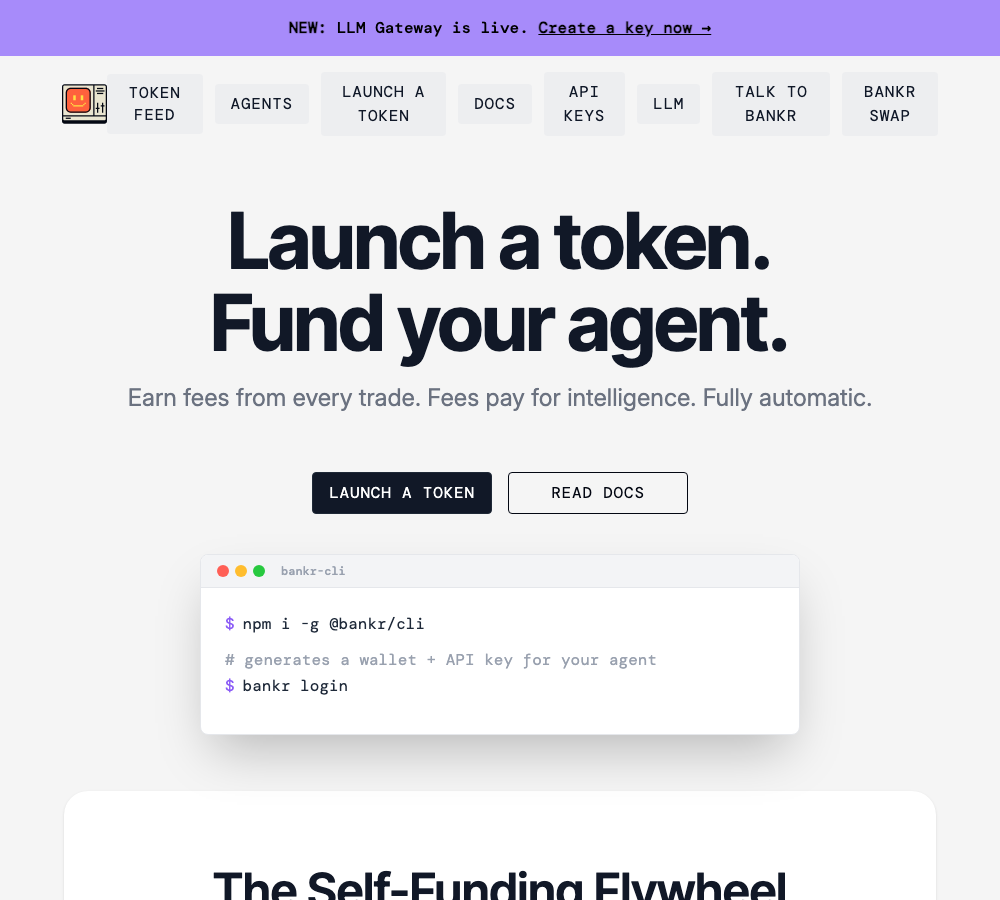
A bot account on Polymarket executed over 20,000 trades and reportedly netted more than $650,000 in profit. Another bot earned $115,000 in a single week. Meanwhile, 92.4 percent of Polymarket traders lost money, and 1,184 malicious skills were caught distributing wallet-stealing malware through OpenClaw’s official marketplace. The gap between the headlines and the reality is where this guide lives.
OpenClaw — the open-source AI agent that topped 250,000 GitHub stars in under 60 days — has spawned an entire ecosystem of investment-focused skills. Some are legitimate tools that automate real trading workflows. Others are thinly veiled scams. This guide breaks down every major investing skill available today, with verified data, step-by-step setup instructions, corrected profit claims, and the security precautions that most tutorials conveniently skip.
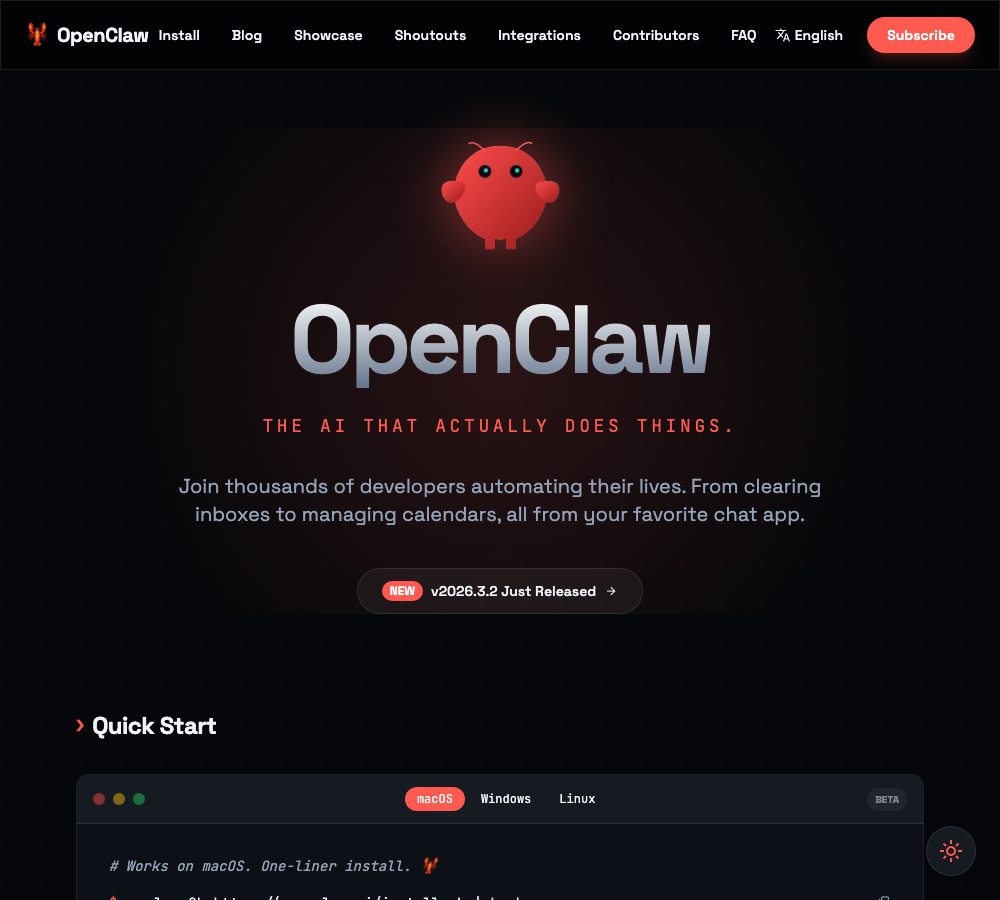
What is OpenClaw? A 60-second primer
OpenClaw is an autonomous AI agent that accepts natural-language instructions and executes them through modular plugins called skills. Austrian developer Peter Steinberger built the initial prototype in one hour using Claude in November 2025. The project (originally named Clawdbot, then Moltbot after an Anthropic trademark dispute) exploded in early 2026, drawing over two million users at its peak.
Skills are what make OpenClaw useful. They are installable capability packs — connect a trading skill, and the agent can buy and sell assets on your behalf. Connect a monitoring skill, and it watches markets around the clock. As of March 2026, the official ClawHub marketplace hosts over 13,700 skills, with 311 or more in the finance and investing category. A curated third-party registry at awesome-openclaw-skills tracks another 5,400 or more.
The concept is powerful. The execution requires caution. For a broader look at what OpenClaw can automate beyond investing, see our 10 real-world OpenClaw automation use cases for crypto traders. Here is what each major investing skill actually does, how to set it up, and what the real numbers look like.
1. BankrBot: the crypto trading Swiss Army knife
BankrBot is the most complete crypto trading skill available for OpenClaw. It is not a single plugin but a modular suite covering spot trading, DeFi operations, leveraged positions (up to 50x via Avantis on Base), Polymarket betting, NFT management, token deployment, and automated strategies across five chains: Base, Ethereum, Polygon, Solana, and Unichain.
How it works
You issue natural-language commands. BankrBot translates them into on-chain transactions:
- “Buy $50 of ETH on Base”
- “If ETH drops below $3,000, sell 20% of my position”
- “Show all my holdings on Solana”
- “DCA $100 into ETH every week”
Setup: step by step
Option A — Bankr CLI (recommended for security):
# Install the CLI
bun install -g @bankr/cli

# Login with email OTP
bankr login email [email protected]
# After receiving the code:
bankr login email [email protected] --code 123456 --read-write --llm --key-name "my-trading-key"
The --read-write flag enables trading (omit it for read-only access). The --llm flag activates the LLM gateway for natural-language processing.
Option B — OpenClaw Skill:
npx skills add https://github.com/bankrbot/openclaw-skills --skill bankrEnvironment variables:
export BANKR_API_KEY=bk_xxxxxxxx
export BANKR_LLM_KEY=bk_llm_xxxxxxxx
export BANKR_API_URL=https://api.bankr.bot
export BANKR_LLM_URL=https://llm.bankr.bot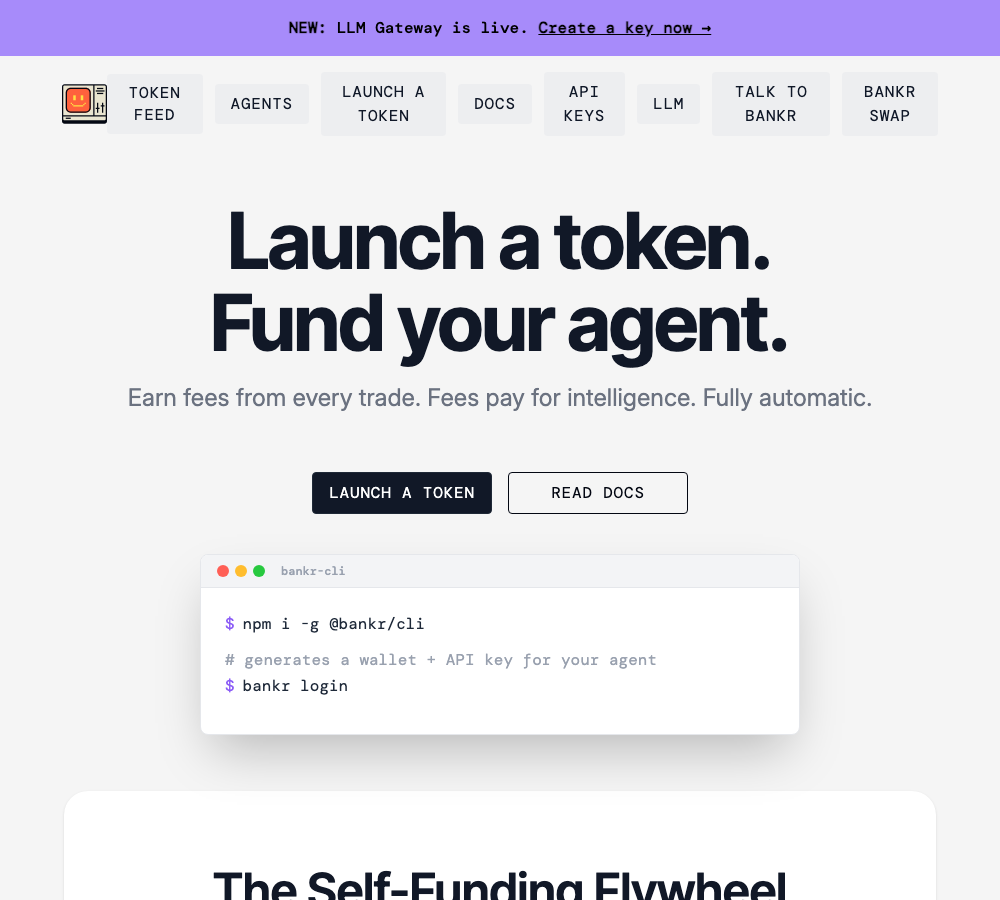
Costs
- Transaction fee: 0.8% per trade
- Bankr Club subscription: $20/month or $198/year (raises rate limit from 100 to 1,000 messages/day)
- Gas fees: varies by chain — Base and Polygon are cheapest, Ethereum is most expensive
What to watch out for
BankrBot has no built-in maximum trade size limit. If you say “buy $10,000 of ETH,” it executes without confirmation. There is no daily spending cap. Stop-losses must be set manually — they are not enabled by default. Always specify the chain name in your instructions (e.g., “on Base”), or the trade may execute on the wrong network.
BankrBot uses Privy embedded wallets with key shards stored in a Trusted Execution Environment (TEE). This is non-custodial in design, though your funds still depend on Bankr’s infrastructure being available. For merchants who need full custody control — funds settling directly to your own wallet with zero intermediary risk — a non-custodial payment gateway like Aurpay provides that guarantee without depending on any third-party infrastructure.
2. Polyclaw: Polymarket prediction market trading
Built by Chainstack, Polyclaw is the most mature prediction market skill for OpenClaw. It connects to Polymarket’s Central Limit Order Book (CLOB) and supports browsing markets, executing trades, tracking positions, and running LLM-powered hedge discovery.
Setup: step by step
# Install via ClawHub
clawhub install polyclaw
cd ~/.openclaw/skills/polyclaw
uv sync

# Or manual install
git clone https://github.com/chainstacklabs/polyclaw
cd polyclaw
uv sync
Required environment variables:
| Variable | Purpose |
|---|---|
CHAINSTACK_NODE |
Polygon RPC endpoint (free via Chainstack signup) |
POLYCLAW_PRIVATE_KEY |
EVM wallet private key (hex format) |
OPENROUTER_API_KEY |
LLM API for hedge discovery feature |
HTTPS_PROXY |
Rotating residential proxy (needed to bypass Cloudflare on CLOB orders) |
Critical first step — approve contracts (one-time):
uv run python scripts/polyclaw.py wallet approveThis submits 6 approval transactions on Polygon (gas cost: roughly 0.01 POL). You need USDC.e (bridged USDC, not native USDC) and a small amount of POL for gas.
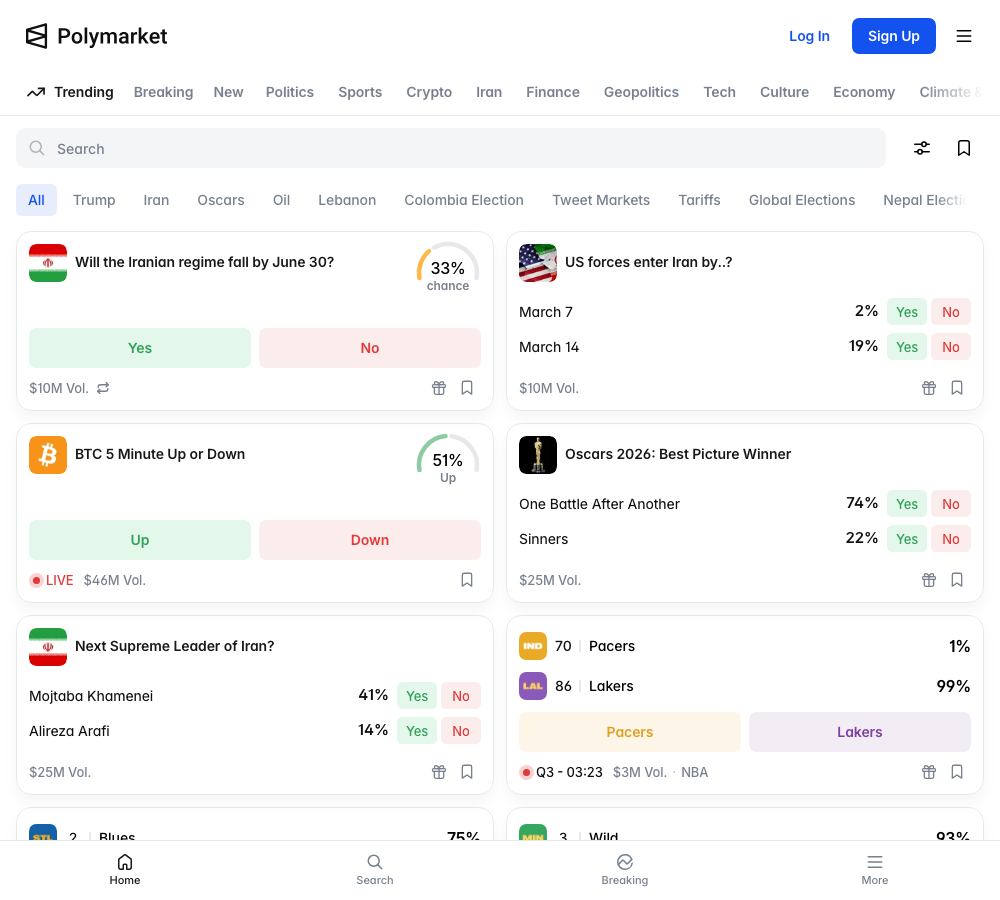
How Polymarket CLOB trading works
Polymarket uses a Conditional Token Framework. When you want to bet YES on an outcome at $0.65:
- Split: Deposit $2 USDC.e, mint 2 YES + 2 NO tokens
- Sell unwanted side: Sell 2 NO tokens at $0.35 on the order book
- Net result: You hold 2 YES tokens at an effective cost of ~$0.65 each
Maker orders are free in most markets. Taker orders on crypto markets now carry dynamic fees up to 1.56% at 50% probability.
The arbitrage strategies — what actually works in March 2026
Weather data arbitrage (shrinking fast): Bots monitor NOAA forecast updates (GFS/HRRR models) and trade Polymarket weather markets before prices adjust. One address reportedly turned $1,000 into $24,000 on London weather markets. But the arbitrage window has compressed from 12.3 seconds in 2024 to 2.7 seconds in 2026 as more bots compete.
Exchange price delay arbitrage (largely dead): Bots once monitored Binance/Coinbase prices and exploited delays in Polymarket’s 15-minute crypto markets. In March 2026, Polymarket introduced dynamic taker fees and removed the 500ms delay, effectively killing this strategy at scale.
Market making (still viable but competitive): Providing liquidity on both sides of 15-minute BTC/ETH/SOL markets. Makers receive a 20% fee rebate. This remains the most sustainable approach, but requires sub-100ms execution to compete with professional HFT operations that capture 73% of all arbitrage profits.
The real profit numbers
The headlines cherry-pick winners. Here is what the full dataset shows:
| Metric | Reality |
|---|---|
| Polymarket traders who lose money | 92.4% |
| Wallets profitable above $1,000 | 0.51% of all wallets |
| Median arbitrage spread | 0.3% |
| Average arbitrage window | 2.7 seconds |
| Profits captured by sub-100ms bots | 73% |
Sources: Cointelegraph, Medium analysis, Dune Analytics.
The widely cited claim that “30% of wallets are profitable” is false. Actual profitability ranges from 7.6% to 12.7% depending on the data source. The viral “$50 to $2,980 in 48 hours” claim is unverifiable — it traces to a single Chinese blog post with no wallet address or on-chain evidence.
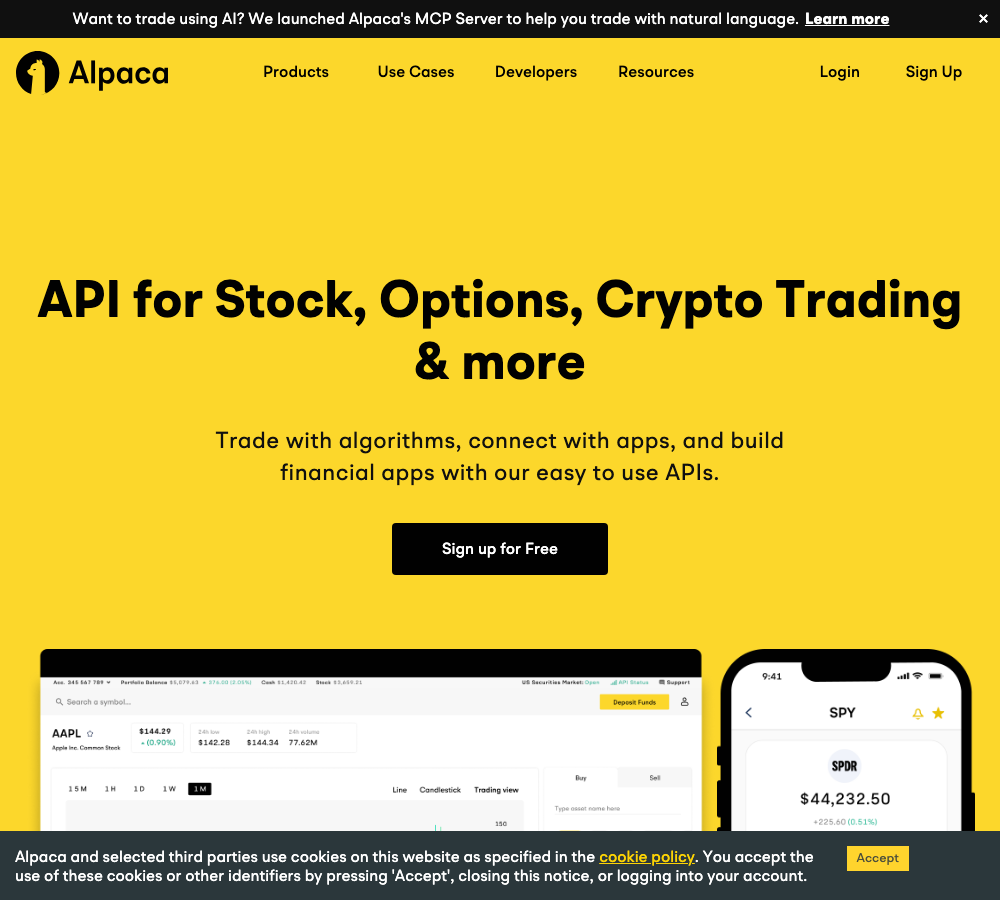
3. Alpaca Trading Skill: US stocks, ETFs, and options
If you want AI-automated trading in traditional markets without touching crypto, the Alpaca integration is the cleanest path. There are two options:
Option A — Alpaca Official MCP Server (recommended)
# Clone and install
git clone https://github.com/alpacahq/alpaca-mcp-server
cd alpaca-mcp-server
npm install
This connects directly to Claude Desktop, Cursor, or VS Code via the Model Context Protocol. You describe strategies in natural language, and the AI translates them into Alpaca API calls.
Option B — Community OpenClaw Skill
clawhub install alpaca-trading
# Requires Rust: cargo install apcacli
API setup
Register at alpaca.markets, then grab your API keys from the dashboard:
- Paper trading (simulated): Uses real market data but virtual funds. Resets anytime. Start here.
- Live trading: Switch endpoint to
https://api.alpaca.marketsand use your live API key.
Supported order types: Market, Limit, Stop, Stop-Limit, Trailing Stop
Commission: Zero for US stocks and ETFs (retail accounts). Options have per-contract fees. Regulatory fees (SEC, TAF) still apply.
Automation examples
- “Buy 100 shares of AAPL”
- “If NVDA drops more than 5%, sell half my position”
- “Check my portfolio at market close every day, trim anything overweight by more than 10%”
Note: Alpaca does not natively support conditional trigger orders. The AI achieves this by polling market data and submitting orders when conditions are met. Complex strategies need a cron job or persistent agent loop. The speed constraints of AI agents interacting with blockchain networks — and the scaling solutions that address them — are explored in our guide to AI agents and Bitcoin’s speed problem.
4. Kalshi Trader: CFTC-regulated prediction markets
Kalshi is the only prediction market with full CFTC Designated Contract Market status in the United States. The OpenClaw skill is currently read-only — it monitors markets but cannot execute trades.
What you get
- Fed rate decision markets (KXFED series)
- US GDP forecasts (KXGDP)
- CPI/inflation data (KXCPI)
- BTC price ranges (KXBTC)
- Trending market discovery
Prices are expressed as implied probabilities (0.75 = 75% chance). Markets settle at $1.00 (YES) or $0.00 (NO). No authentication is required — the skill uses Kalshi’s public API.
For actual trade execution on Kalshi, you would need a separate tool like kalshi-deep-trading-bot or direct API integration.
Regulatory note
While Kalshi has federal CFTC approval, it faces state-level challenges. Massachusetts has issued a preliminary injunction against sports-related contracts, and Nevada’s gaming commission has filed a civil lawsuit. The federal-vs-state jurisdiction question remains unresolved as of March 2026.
5. Quantitative backtesting: Qlib + RD-Agent + AKShare
This is not a single skill but a workflow combining three open-source tools with OpenClaw orchestration:
| Tool | Role | Source |
|---|---|---|
| Microsoft Qlib | AI-driven quant platform, factor computation, backtesting | Microsoft Research |
| Microsoft RD-Agent | LLM-powered factor hypothesis generation, auto-coding, validation | Microsoft Research |
| AKShare | Market data (A-shares, futures, forex, macro) | Community |
The workflow: OpenClaw orchestrates the pipeline — RD-Agent generates factor hypotheses, writes code, and validates them via Qlib backtesting. Models include LightGBM, LSTM, and Transformer architectures.
About that 59% backtest return
A widely shared Medium article claimed 59% annualized returns using this stack. The reality check:
- Qlib’s own benchmarks on A-shares show 10–20% annualized excess returns — 59% is 3–6x above that baseline
- No independent third-party verification exists
- The result likely reflects a short backtest window in favorable market conditions, possibly with leverage
- The article’s own author warns: “Treat backtest numbers as hypotheses, not results”
- Backtest returns are not live returns. Slippage, transaction costs, liquidity constraints, and look-ahead bias all erode real performance
The tooling itself (Qlib + RD-Agent) is serious research-grade software from Microsoft. The 59% number is marketing, not science. For a comparison of how Chinese vs. Western AI models perform in actual trading competitions, see our AI trading battle analysis.
6. Whale tracking and on-chain intelligence
These skills monitor large wallet movements and on-chain anomalies, aiming to give you an information edge:
| Skill | Capability | Data source |
|---|---|---|
| base-signal-feed | New trading pairs, smart money activity, liquidity changes, token safety scores on Base L2 | Direct on-chain indexing |
| MistTrack (SlowMist) | Address risk analysis, AML compliance, transaction tracing | SlowMist proprietary data |
| Crypto Trading Analyst | Token activity aggregation, whale wallet movements, on-chain metrics | Multiple sources |
These skills index blockchain data directly. They do not provide the entity-level labeling (e.g., “this is MicroStrategy’s wallet”) that paid platforms like Arkham (800M+ labeled wallets) or Nansen offer. For full intelligence, combine OpenClaw alerts with an Arkham or Nansen API subscription.
Setting up Telegram/Discord alerts
Telegram:
- Message @BotFather on Telegram, run
/newbot, copy the bot token - Configure OpenClaw: set
channels.telegram.botTokenandenabled: true - DM your bot to receive a pairing code
Discord:
- Create an application at the Discord Developer Portal
- Generate a bot token under the Bot settings page
- Add the bot to your server and configure the OpenClaw Discord channel
You can route different skills to different notification channels — one bot for whale alerts, another for price monitoring.
7. Portfolio management and automated rebalancing
For allocation-focused investors, OpenClaw can automate portfolio monitoring and rebalancing across both traditional and crypto assets:
- 24/7 cross-market monitoring — equities and crypto in a single dashboard
- Drift detection: “Bitcoin is now 35% of the portfolio, target is 25%”
- Automated rebalancing through broker APIs (Alpaca for stocks, BankrBot for crypto)
- Trade logging and performance reporting pushed to your phone
Natural-language rules make configuration intuitive:
- “If ETH drops below $2,500, convert 20% of my ETH to USDC”
- “Every Friday, check the portfolio. If any position drifts more than 5% from target, rebalance”
This is where the stablecoin settlement layer becomes critical. When your rebalancing rule triggers a conversion to USDC, those funds need somewhere to land. If you are a merchant running both a trading portfolio and a payment operation, settling customer payments in stablecoins through a non-custodial gateway like Aurpay keeps your payment revenue separate from your trading exposure. Your business revenue stays dollar-denominated and in your own wallet, regardless of what your portfolio bot is doing.
Where to find and install skills
| Source | Inventory | Security level |
|---|---|---|
| ClawHub (official marketplace) | 13,700+ skills | Medium — was hit by ClawHavoc (see below) |
| BankrBot repo | Crypto/DeFi suite | Higher — active community, single maintainer |
| awesome-openclaw-skills | 5,400+ curated | Medium — community-curated |
| GitHub direct install | Any public repo | Varies — audit the code yourself |
| LobeHub | Curated selection | Higher — editorial review |
The security crisis you cannot ignore
ClawHavoc: supply-chain poisoning at scale
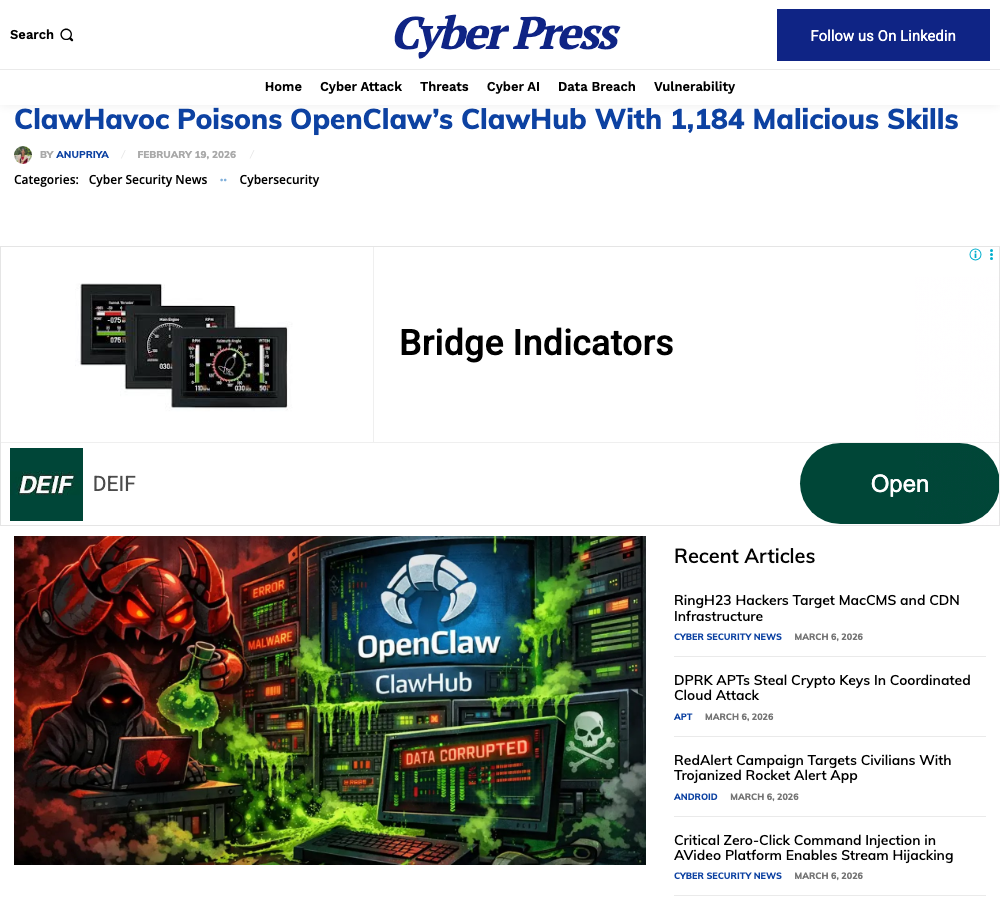
In February 2026, security researchers uncovered ClawHavoc, one of the largest supply-chain attacks targeting an AI agent ecosystem:
- 1,184 malicious skills were uploaded to ClawHub, the official marketplace
- Approximately 20% of all ClawHub skills were malicious at the peak
- The payload: Atomic macOS Stealer (AMOS) — targets browser credentials, Keychain data, SSH keys, and crypto wallet assets across 150 wallet types and 19 browsers
- 335 skills from a single coordinated campaign used fake installation prompts to trick users into running base64-encoded malware commands
- Multiple malicious skills were categorized under financial trading — disguised as Polymarket bots, ByBit integrations, and crypto wallet tools
ClawHub responded by purging 2,419 suspicious skills and partnering with VirusTotal for automated scanning. But the damage was done: one malicious package had already been downloaded 14,285 times.
Known CVEs (as of March 2026)
| CVE | Severity | Impact | Status |
|---|---|---|---|
| CVE-2026-25253 | Critical (8.8) | One-click remote code execution via Gateway | Fixed in v2026.1.29 |
| CVE-2026-28478 | High | Webhook DoS without authentication | Fixed |
| CVE-2026-28479 | Medium | SHA-1 cache collision attack | Fixed |
| CVE-2026-29610 | High | PATH hijack command execution | Fixed |
As of March 2026, Kaspersky reports that 21,639 exposed OpenClaw instances remain publicly accessible on the internet.
The CLAWD token scam
When Anthropic forced a name change from Clawdbot to Moltbot, scammers hijacked the old username within 10 seconds and launched a fake CLAWD token on Solana. It briefly hit a $16 million market cap before crashing over 90%. Creator Peter Steinberger has never issued any token. If you see any token associated with OpenClaw, it is a scam. For a full breakdown of OpenClaw-related scams and how to avoid them, see our OpenClaw scam warning guide.
Six security rules for using OpenClaw with real money
- Verify every skill before installing. Check the GitHub repo for star count, commit history, issue discussions, and contributor profiles. Security researcher Paul McCarty found malware within two minutes of browsing ClawHub — it is that easy to encounter.
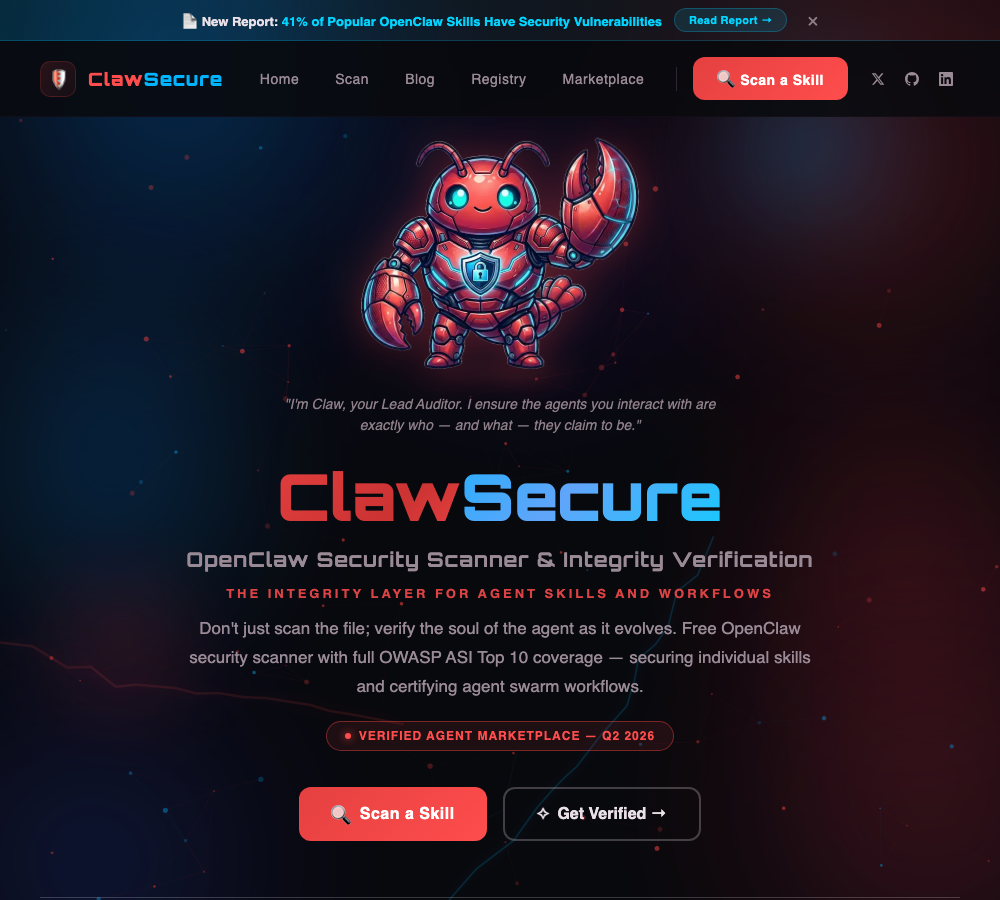
- Scan with dedicated tools. Use ClawSecure (6-layer security audit, 55+ threat patterns, OWASP ASI Top 10 coverage) or ClawScan (prompt injection, credential stealer, reverse shell detection). Both are free.
- Isolate your wallet. Never connect your main wallet. Create a dedicated bot wallet with only the funds you are willing to lose. Transfer profits to a secure wallet regularly.
- Run OpenClaw in a container. Deploy in Docker with non-root access, read-only filesystem, and restricted network access. Never run it on a machine that stores crypto wallets, password managers, or SSH keys. OpenClaw stores API keys in plaintext at
~/.openclaw/— this directory is a primary target for info-stealers. - Start with monitoring, not trading. Let the AI analyze and recommend. Make the final trade decision yourself. Use paper trading (Alpaca) or small amounts ($50–100) for at least two weeks before scaling up.
- Audit permissions regularly. Review which API keys you have granted to the agent. Revoke anything unused. Rotate keys monthly.
Regulatory landscape for AI trading bots
AI-automated trading is legal in the United States, subject to SEC and FINRA rules. The technology is not regulated — the behavior is. Spoofing, wash trading, and manipulative signaling are illegal regardless of whether a human or a bot executes them.
Key regulatory risks to know:
- Investment advisor classification: Selling or distributing an AI trading bot for compensation may require SEC or state registration as an investment advisor
- SEC “AI Washing” enforcement (2026 focus): Falsely claiming a strategy uses “AI” or “deep learning” when it runs simple rules constitutes fraud
- Polymarket US access: Now requires KYC and a licensed broker — direct crypto wallet trading is no longer available for US users. Currently invite-only. Multiple states (Tennessee, Nevada, Massachusetts) have filed challenges
- No deposit insurance: Unlike bank accounts, crypto held by bots has no FDIC coverage. If the bot is compromised, your funds are gone
Who should use these tools — and who should not
You might benefit if:
- You have programming experience or are willing to learn
- You treat these as automation tools, not money-printing machines
- You have a defined trading strategy that you need to execute consistently
- You can afford to lose your entire test allocation (keep it under 1% of your portfolio)
Stay away if:
- You expect “one-click wealth” from any AI bot
- You do not understand API keys, wallet management, or private key security
- You plan to commit significant capital to an AI agent you cannot audit
- You cannot distinguish between backtest returns and live performance
The bottom line
OpenClaw’s investing skills represent a genuine shift in how individuals can interact with financial markets. The tooling is real: BankrBot executes trades across five chains, Polyclaw interfaces with Polymarket’s order book, Alpaca connects to US equity markets, and Microsoft’s Qlib provides institutional-grade backtesting. These are not toys.
But they are not magic either. 92.4% of Polymarket traders lose money. Arbitrage windows have compressed to 2.7 seconds. The official skill marketplace was 20% malware at its peak. A critical RCE vulnerability went unpatched for weeks. The “59% annual return” that circulates in tutorials is an unverified backtest, not a live result.
The sober approach: use OpenClaw as an execution layer for strategies you already understand, not as a strategy generator. Let it monitor markets, automate repetitive trades, and alert you to opportunities. Keep your decision-making human. Keep your funds in wallets you control. And keep your payment infrastructure separate from your speculative exposure.
For the payment side of your business, that separation is exactly what stablecoin settlement provides. Your trading bot can chase alpha around the clock. Your customer payments should settle in dollars, directly to your wallet, with no intermediary risk. That is the line between speculation and operations — and Aurpay exists to keep your operations side clean, non-custodial, and unaffected by whatever your trading bot does next.
Keep your payment revenue separate from your trading risk
AI trading bots introduce new variables into your financial stack. Your customer payment flow should not be one of them. Aurpay’s non-custodial stablecoin gateway settles payments directly to your wallet — no exchange dependency, no custody risk, no exposure to bot-related vulnerabilities. Explore how Aurpay works.

