

How to Accept Crypto Tips and Donations as a Streamer (2026 Guide)

How to Accept Crypto Tips and Donations as a Streamer (2026 Guide)

How to Accept Crypto Tips and Donations as a Streamer (2026 Guide)

If you stream on Twitch, YouTube, or Kick in 2026, you already know the pain: platforms take 30-50% of your subscription revenue, PayPal chargebacks eat into your tips, and cross-border payouts can take days to land. Cryptocurrency tips and donations solve all three problems at once. Payments settle in minutes, chargebacks do not exist on-chain, and anyone with a wallet can send you money regardless of where they live. This guide walks you through exactly how to accept crypto tips as a streamer — from choosing the right coins to setting up your first payment page.

Why Streamers Are Losing Money on Traditional Tips

The economics of streaming have never been kind to creators. Twitch takes a 50% cut of subscription revenue for most partners, and even negotiated deals rarely drop below 30%. YouTube Memberships keep 30%. Kick offers better splits today, but its audience is a fraction of the size. Tips through PayPal or Streamlabs bypass the platform cut, but they introduce a different risk: chargebacks.

PayPal disputes are a well-documented problem for streamers. A viewer sends a $50 tip during a hype stream, then files a chargeback two weeks later. You lose the $50 plus a $15-$20 dispute fee. Some streamers report losing hundreds of dollars per month to serial chargeback abusers. PayPal’s seller protection rarely covers “digital services” or voluntary donations, leaving you exposed.

International payouts compound the issue. If your audience spans Southeast Asia, Latin America, and Europe, you deal with currency conversion fees (2.5-4.5% on PayPal), minimum payout thresholds, and banking delays. A viewer in the Philippines who wants to tip $5 might pay $1.50 in fees before the money even reaches your account.

How Crypto Tips Fix the Chargeback and Fee Problem

Blockchain transactions are irreversible by design. Once a viewer sends USDT or USDC to your wallet, the payment is final. There is no dispute mechanism, no 180-day chargeback window, and no intermediary that can freeze your funds. For streamers who have dealt with serial chargeback abuse, this alone justifies the switch.

Transaction fees on modern networks are negligible. Sending USDT on the Tron (TRC-20) network costs roughly $0.50-$1.00 regardless of the amount. On Polygon or Arbitrum, fees often drop below $0.10. Compare that to PayPal’s 2.9% + $0.30 per transaction — on a $10 tip, PayPal takes $0.59 while a Tron transfer costs a flat fraction of that.

Traditional tips vs crypto tips fee comparison showing how much a streamer keeps from a $50 tip

Crypto is also borderless. A viewer in Nigeria, Argentina, or Indonesia can tip you in USDC without navigating bank restrictions or currency controls. They do not need a credit card, a PayPal account, or access to a specific payment platform. All they need is a crypto wallet, which over 560 million people worldwide already have as of early 2026.

Stablecoins vs. Volatile Coins for Tips

One legitimate concern streamers raise is price volatility. If a viewer tips you 0.01 ETH and Ethereum drops 15% overnight, your $25 tip becomes $21.25. For streamers who rely on tips as income, this unpredictability creates accounting headaches.

The practical solution is to accept stablecoins as your primary tip currency. USDT and USDC are pegged 1:1 to the US dollar. A $10 USDC tip is worth $10 when you receive it and $10 next week. You still get all the benefits of crypto — no chargebacks, low fees, global access — without the price risk. You can also accept BTC and ETH for viewers who prefer those, but make stablecoins the default option.

DAI is another stablecoin option worth considering. It is decentralized and not controlled by a single company, which appeals to privacy-conscious viewers. All three stablecoins — USDT, USDC, and DAI — are widely supported by payment gateways and easy to convert to local currency on any major exchange.

Step-by-Step: Setting Up Crypto Tips on Your Streaming Page

You do not need to be a developer or a crypto expert to start accepting crypto tips. Here is the practical setup process.

Step 1: Choose Your Wallet

You need a non-custodial crypto wallet — one where you control the private keys. MetaMask, Trust Wallet, and Rabby are popular choices that support multiple chains (Ethereum, BSC, Polygon, Arbitrum). For Tron-based USDT (TRC-20), you will want TronLink or a multi-chain wallet that includes Tron support.

Important: use a dedicated wallet for streaming income, separate from any trading or personal holdings. This simplifies tax reporting and protects your main funds if you ever need to share a public address on stream.

Step 2: Pick a Payment Gateway

You have two main approaches. The first is to simply post your wallet address or a QR code on your stream overlay. This works but is clunky — viewers need to manually copy the address, open their wallet app, and send the transaction. It also limits you to one chain at a time.

The better approach is to use a crypto payment gateway that generates a proper checkout page. A gateway lets viewers select their preferred coin and network, shows the exact amount to send, and confirms payment automatically. If you run a merch store or tip page on WordPress (WooCommerce) or Shopify, a gateway integrates directly into your site.

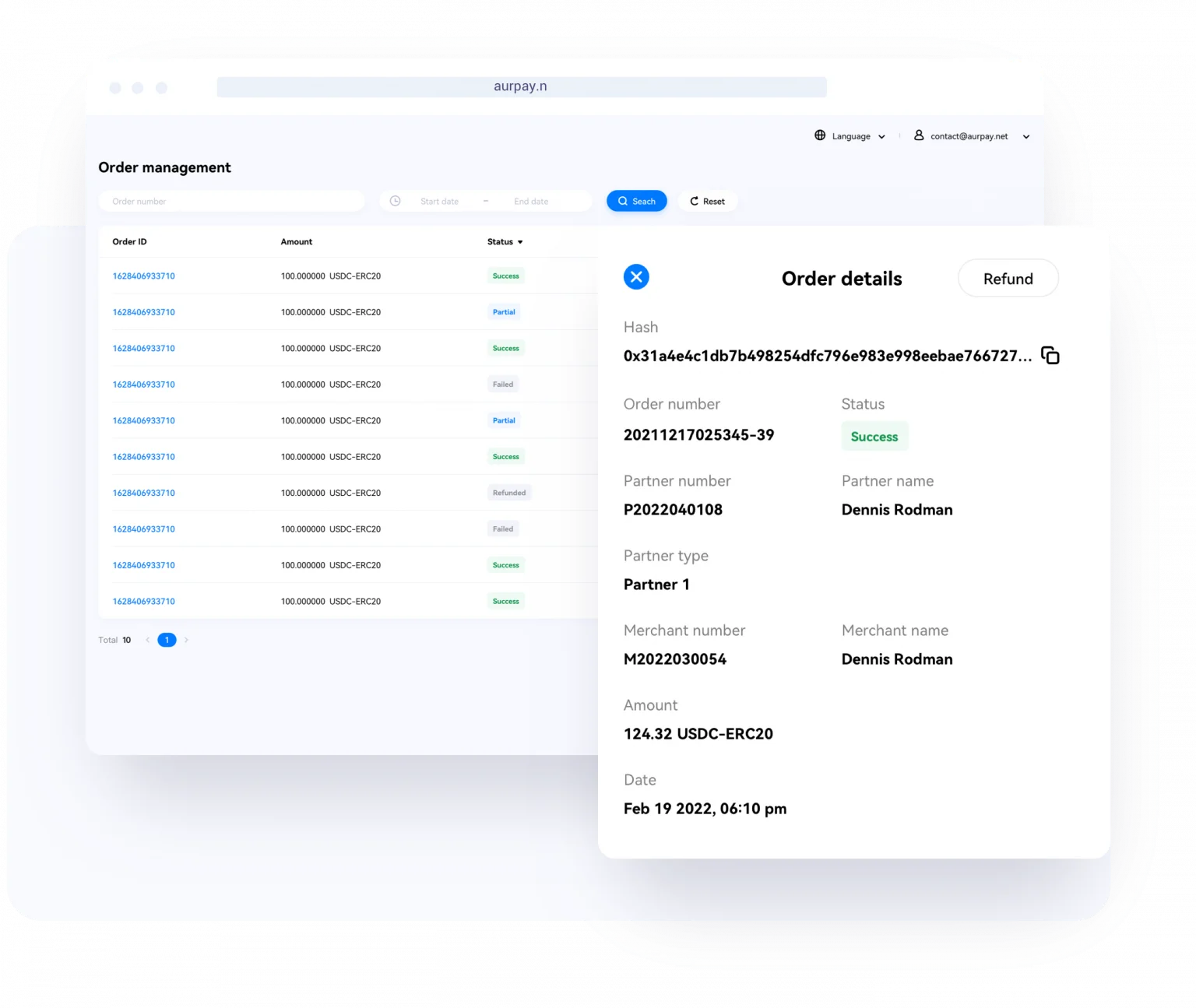
Aurpay is a non-custodial gateway that works with both Shopify and WooCommerce. It supports USDT, USDC, DAI, BTC, ETH, BNB, MATIC, and more across 10+ blockchain networks. The key difference from custodial services: Aurpay never holds your funds. Payments go directly from the viewer’s wallet to yours. The fee is 0.8% — significantly lower than PayPal’s 2.9% or Stripe’s 2.9% + $0.30.

Step 3: Create Your Tip Page

Most streamers set up a dedicated tip page on their personal website. If you use WordPress with WooCommerce, you can create a “Tip Jar” product at various price points ($5, $10, $25, custom amount) and enable crypto checkout through your payment gateway. This gives viewers a familiar shopping-cart experience but with crypto payment options. For a detailed walkthrough, see our complete guide to setting up a crypto tip jar on WordPress and Shopify.

If you use Shopify for your merch store, the same approach works. Create tip products, install the Aurpay Shopify app, and your viewers can pay in crypto alongside regular merch purchases.

For streamers without a website, services like Ko-fi and Buy Me a Coffee have added limited crypto options, but they still take a platform cut and hold your funds. A self-hosted solution on your own domain gives you full control.

Step 4: Add Payment Links to Your Stream

Once your tip page is live, place the link in your stream overlay, your Twitch/YouTube channel description, and your social media bios. Use a short, memorable URL. Some streamers create a Linktree-style page that shows both traditional and crypto tipping options side by side, letting viewers choose their preferred method.

On stream, a simple overlay panel that says “Tip with crypto — 0% chargebacks” with a QR code linking to your tip page works well. Viewers who are already crypto-native will recognize it immediately. You can also set up stream alerts that trigger when a crypto payment is confirmed, which encourages more tipping through social proof.

Step 5: Convert to Local Currency (If Needed)

If you accept stablecoins, you can hold them as-is — USDT and USDC are effectively digital dollars. When you want to cash out, transfer your stablecoins to any major exchange (Binance, Coinbase, Kraken, OKX) and sell for your local currency. Withdrawal to your bank account typically takes 1-3 business days depending on the exchange and your region.

Note that Aurpay and similar non-custodial gateways do not handle fiat conversion for you. You manage your own funds and choose when and how to convert. This gives you full control but means you need an exchange account for off-ramping.

Which Crypto Networks Work Best for Streaming Tips

Blockchain network comparison for streaming tips showing fee levels and confirmation speeds for Tron, Polygon, Arbitrum, BSC, and Ethereum

Not all blockchain networks are equal for small-value tips. Here is a practical comparison for the most common tip amounts ($1-$50).

Tron (TRC-20): The most popular network for USDT transfers globally. Fees average $0.50-$1.00 per transaction. Confirmation takes about 3 minutes. Best for viewers in Asia and emerging markets where Tron usage is highest.

Polygon: Extremely low fees (under $0.05 per transaction). Supports USDT, USDC, and MATIC. Fast confirmations (2-5 seconds). Ideal for micro-tips under $10 where even a $0.50 fee feels high relative to the amount.

Arbitrum: An Ethereum Layer 2 with fees typically under $0.15. Good balance between Ethereum ecosystem compatibility and low cost. Growing adoption among DeFi users who likely overlap with your crypto-savvy audience.

BSC (BEP-20): Fees around $0.05-$0.15. Wide support for USDT, USDC, BNB, and other tokens. Popular in Southeast Asia. Fast confirmations.

Ethereum (ERC-20): The most recognized network, but fees during peak congestion can spike to $5-$20+ for a token transfer. Not ideal for small tips. Best reserved for larger donations ($100+) from viewers who prefer Ethereum mainnet.

For maximum flexibility, choose a gateway that supports multiple networks simultaneously. This lets each viewer pay on whichever chain they already hold funds on, reducing friction. Aurpay supports all five networks listed above, plus several others.

Tax and Record-Keeping for Crypto Tips

Crypto tips are taxable income in most jurisdictions, just like PayPal or Venmo tips. In the United States, you report crypto income at fair market value on the date received. For stablecoins, this is straightforward — a 50 USDC tip is $50 of income. For BTC or ETH, you need to record the USD value at the time of receipt.

Keep a simple spreadsheet or use a crypto tax tool like Koinly, CoinTracker, or TokenTax. Most non-custodial wallets let you export transaction history as a CSV file, which you can import directly into these tools. If you use a payment gateway, it typically provides a transaction log with timestamps and amounts that simplifies record-keeping.

Set aside an estimated 20-30% of your crypto tip income for taxes, depending on your bracket and jurisdiction. This is no different from what you should do with traditional tips — the crypto part does not change your tax obligations, only the payment rail.

Common Concerns and How to Address Them

“My Audience Doesn’t Use Crypto”

You might be surprised. A 2025 Chainalysis report estimated that over 25% of adults under 35 in the US, UK, and EU have held cryptocurrency at some point. Among gaming and tech-adjacent communities — which heavily overlap with streaming audiences — the number is higher. You do not need to replace traditional tips. Offer crypto as an additional option alongside PayPal, and let your audience self-select.

“Crypto Is Too Complicated for My Viewers”

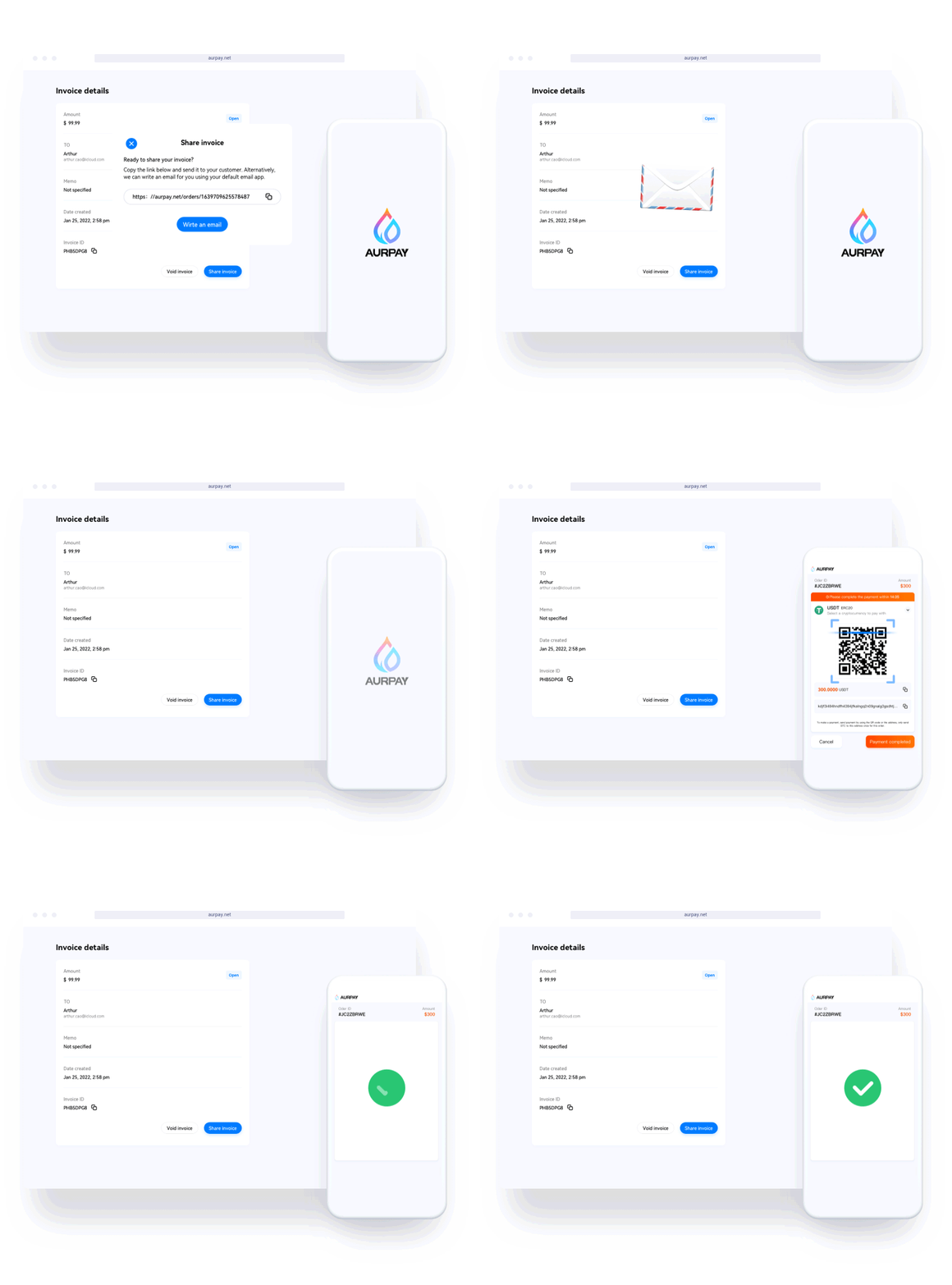
A modern payment gateway handles the complexity. Your viewer clicks a link, selects a coin, scans a QR code or copies an address, and confirms in their wallet app. The experience is comparable to sending a Venmo payment. If they already have a crypto wallet, the learning curve is near zero.

“I Don’t Want to Deal with Volatile Prices”

Accept stablecoins as your primary option. USDT and USDC maintain a 1:1 dollar peg. You receive dollars in crypto form, with none of the price swings associated with BTC or ETH. You can still accept volatile coins as a bonus option for viewers who prefer them, but stablecoins should be your default.

Beyond Tips: Monetizing Your Streaming Brand with Crypto

Tips are just the starting point. Many streamers are expanding into merch stores, exclusive content, and paid communities — all areas where crypto payments add value. A WooCommerce or Shopify store for your brand merch can accept crypto alongside credit cards, reaching international fans who cannot use traditional payment methods. For a broader look at how creators are diversifying revenue streams with crypto, read our guide to creator monetization beyond ads.

Paid Discord communities, course sales, and digital downloads are other natural extensions. Each of these can be connected to a crypto payment gateway on your website, giving fans worldwide a way to support you directly without platform intermediaries taking a cut.

Start Accepting Crypto Tips Today

The streaming economy in 2026 is global, fast-moving, and increasingly crypto-native. You do not need to go all-in — start by adding a crypto tip option alongside your existing PayPal or Streamlabs setup. Choose stablecoins for predictable income, pick a low-fee network like Polygon or Tron, and use a non-custodial gateway so you always control your funds.

Start accepting crypto with Aurpay — no KYC, no middleman, funds go straight to your wallet. Setup takes minutes, fees are 0.8%, and you support 10+ coins across 10+ blockchain networks. Your global audience is already holding crypto. Give them a way to support you with it.

Ricky

Growth Strategist at Aurpay

As a growth strategist at Aurpay, Ricky is dedicated to removing the friction between traditional commerce and blockchain technology. He helps merchants navigate the complex landscape of Web3 payments, ensuring seamless compliance while executing high-impact marketing campaigns. Beyond his core responsibilities, he is a relentless experimenter, constantly testing new growth tactics and tweaking product UX to maximize conversion rates and user satisfaction

Sign Up for Our Newsletter

Get the latest crypto news and updates from the experts at Aurpay.